Smart Thermostat Zoning Setup Guide: Cut Energy Bills by 30% in 2026
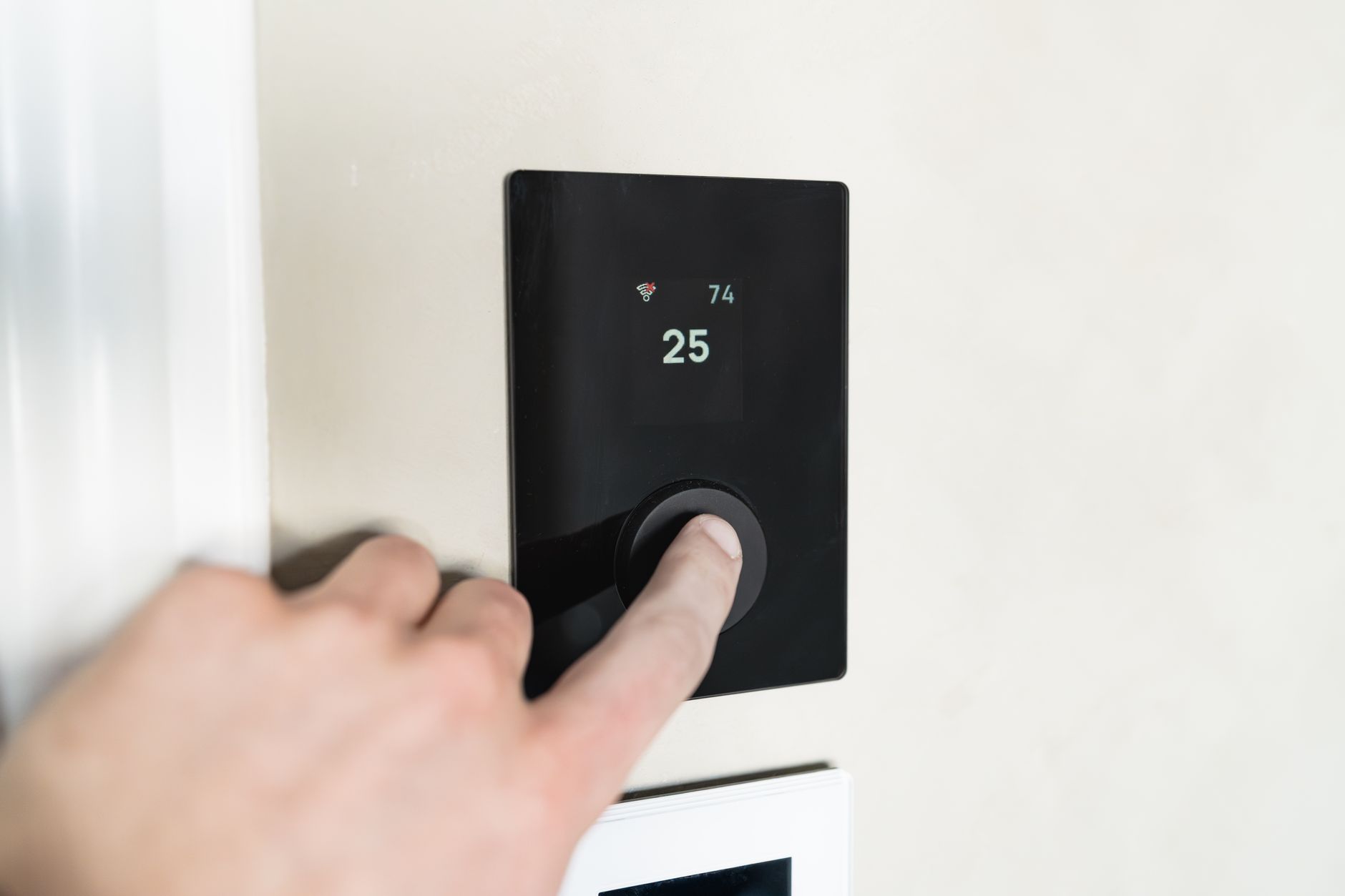
With the 2026 winter heating season approaching and energy prices still climbing across most U.S. markets, homeowners are scrambling for ways to cut HVAC costs without sacrificing comfort. Enter smart thermostat zoning—a technology that was once reserved for luxury homes but has become surprisingly accessible this year. This smart thermostat zoning setup guide will walk you through creating independent climate zones that can slash your heating and cooling bills by up to 30% while eliminating those annoying hot and cold spots that plague multi-story homes.
Unlike basic smart thermostat installations that treat your entire house as one monolithic space, zoning lets you heat the bedroom to 68°F while keeping the guest room at 60°F, or cool the home office during work hours without freezing the rest of the house. Here’s how to implement it properly in 2026.
Understanding Modern Zoning Architecture
Today’s zoning systems fall into two distinct categories, and choosing the right path depends on your existing HVAC infrastructure and budget.
Traditional Dampers + Smart Vents: If you have existing ductwork with manual dampers, you can retrofit motorized dampers (like the Honeywell TrueZONE or Ecojay SmartZone) controlled by a central zoning panel. Pair these with smart thermostats in each zone—typically one per floor or major area. This approach costs $1,200-$2,500 installed but offers the most precise control.
Smart Vent-Only Solutions: For homes without damper infrastructure, 2026 has brought significant improvements to smart vent technology. Companies like Flair and Keen Home now offer vents with built-in pressure sensors that automatically adjust airflow to prevent duct damage—a common issue in earlier models. These work best for 2-3 zone setups and cost $80-$120 per vent plus $200-$400 for a compatible smart thermostat.
Mini-Split Integration: The newest trend this year involves hybrid systems where smart thermostats like the Ecobee Smart Thermostat Premium or Nest Learning Thermostat (4th gen) communicate directly with ductless mini-split heads, creating zones without any duct modifications. This works exceptionally well for additions or converted attics.
Equipment Selection and Compatibility Check
Before purchasing anything, verify your HVAC system’s compatibility. Most forced-air systems from the last 15 years support zoning, but heat pumps require specific thermostat wiring (typically O/B reversing valve control) that not all zoning panels handle correctly.
Thermostat Requirements:
- Ecobee Smart Thermostat Premium (2026 model): Best for multi-zone setups with remote sensors; includes built-in air quality monitoring
- Google Nest Learning Thermostat: Superior AI scheduling but requires separate temperature sensors for true zoning
- Honeywell Home T9: Most affordable entry point with robust zoning panel compatibility
- Mysa Smart Thermostat: The 2026 standout for high-voltage baseboard heating zones
Critical Compatibility Note: If you’re using a heat pump with auxiliary heat, ensure your zoning panel supports “staged” heating. The 2026 models from Aprilaire and ZoneFirst now include heat pump balance point controls that prevent expensive auxiliary heat from engaging unnecessarily.
Step-by-Step Installation Process
Phase 1: Zone Planning (2-3 hours) Map your home’s thermal characteristics. South-facing rooms with large windows need different treatment than north-facing bedrooms. Use a thermal imaging camera (rentable from Home Depot for $50/day) to identify existing hot/cold spots. Plan for:
- One zone per floor minimum
- Separate zones for master suites (different sleep schedules)
- Dedicated zones for home offices or gyms
Phase 2: Damper Installation (4-6 hours) Install motorized dampers in your ductwork—typically in the basement or attic where ducts branch off. Modern dampers like the Ecojay SmartZone use power-open/spring-close mechanisms that fail safely if power cuts. Connect these to your zoning control panel using 18-gauge thermostat wire.
Phase 3: Thermostat Placement Mount zone thermostats 52-60 inches from the floor, away from direct sunlight, drafts, or heat sources. In 2026, we’re seeing more homeowners use remote sensors (Ecobee’s SmartSensors or Nest Temperature Sensors) instead of multiple thermostats, reducing wall clutter while maintaining zone control.
Phase 4: Panel Configuration Wire all dampers and thermostats to the central zoning panel. Modern panels like the Honeywell HZ432 or Aprilaire 6203 feature auto-configuration that detects connected zones and suggests optimal staging delays. Set your minimum run time to 10 minutes to prevent short-cycling, and configure the “deadband” (temperature difference between heating and cooling setpoints) to at least 3°F to avoid simultaneous heating/cooling.
Advanced Automation Strategies for 2026
Basic scheduling is just the beginning. Current smart home platforms enable sophisticated zoning automations that respond to occupancy and weather.
Occupancy-Based Conditioning: Use mmWave presence sensors (like the Aqara FP2 or Everything Presence One) to detect when rooms are actually occupied. Unlike motion sensors, these detect stationary people, so your home office stays comfortable even when you’re sitting still at your desk. Integrate with Home Assistant or Hubitat to adjust zone temperatures only when rooms are occupied for more than 10 minutes.
Weather-Responsive Pre-Conditioning: Connect your zoning system to a hyperlocal weather station (Tempest or Netatmo). When the forecast predicts a 15°F temperature drop overnight, the system automatically pre-heats your bedroom zone 45 minutes before your wake-up time, reducing the morning energy spike.
Time-of-Use Optimization: If you’re on a variable electricity rate plan (increasingly common in 2026), program zones to pre-cool during off-peak hours (typically 12-6 AM) and coast during peak pricing (4-9 PM). The Ecobee Smart Thermostat Premium now includes built-in rate plan integration for most major utilities.
Sleep Cycle Integration: Pair with smart beds or wearables (Eight Sleep, Apple Watch) to lower bedroom zone temperatures to 65°F when deep sleep is detected, then gradually warm to 68°F before waking.
Troubleshooting Common Zoning Issues
Static Pressure Problems: The most frequent zoning mistake is creating too much backpressure when multiple zones close. Install a bypass damper or use smart vents with pressure relief. If you hear whistling from vents or your blower sounds strained, immediately increase your minimum open damper setting to 20%.
Short Cycling: If your HVAC turns on/off every 5-8 minutes, your zones are too small or your equipment is oversized. Increase the minimum run time to 15 minutes and expand the temperature differential to 2°F.
Wi-Fi Dead Zones: Zoning panels in basements often struggle with connectivity. Use a dedicated IoT network with a mesh node near the mechanical room, or choose panels with Ethernet connections (like the ZoneFirst Z-2000).
Maintenance and Optimization
Smart zoning systems require minimal but specific maintenance. Every six months, check that dampers open/close fully (listen for the motor hum). Clean or replace HVAC filters every 60-90 days—zoned systems run longer per cycle, putting more strain on filters. Update thermostat firmware quarterly; 2026 models receive regular efficiency algorithm improvements that can yield additional 5-8% savings.
Monitor your energy usage through the thermostat app. Most 2026 models provide zone-specific consumption data, letting you identify which areas cost the most to condition. If one zone consistently uses 40% more energy, investigate insulation or air sealing issues in that area rather than just adjusting temperatures.
Conclusion
Implementing this smart thermostat zoning setup guide transforms your HVAC from a blunt instrument into a precision climate control system. Start with a two-zone setup (upstairs/downstairs) to learn the ropes, then expand to room-level control as you become comfortable with the automation logic. With energy costs projected to rise another 12% in 2026, the typical $1,500 investment in zoning pays for itself in under three years while delivering immediate comfort improvements. Take advantage of current utility rebates—many providers now offer $200-$500 incentives for smart zoning installations—to reduce your upfront costs and start enjoying personalized comfort in every room.
Like what you're reading?
Check out our recommended partner for this niche.
Custom Automation Dev — HamDevCo →