The Complete Smart Thermostat Zoning Setup Guide for 2026
As we head into the 2026 heating season, homeowners are facing a perfect storm: energy costs are climbing, HVAC manufacturers are finally embracing Matter 2.0 for seamless cross-platform control, and the latest smart thermostats now offer room-by-room climate precision that was unthinkable just two years ago. If you’re tired of heating empty bedrooms while your home office feels like an icebox, this smart thermostat zoning setup guide will transform how you think about home comfort.
Zoning isn’t new, but the technology has evolved dramatically. Today’s systems combine wireless sensors, AI-driven learning algorithms, and intuitive apps that make multi-zone control accessible to DIY enthusiasts—not just HVAC contractors. Whether you’re retrofitting an older system or optimizing a new installation, you’ll learn exactly how to eliminate hot and cold spots while potentially cutting your energy bills by 20-30%.
Why Smart Zoning Matters More in 2026
The average American home wastes 35% of its heating and cooling energy on unoccupied spaces, according to recent Department of Energy data. With electricity rates averaging $0.17 per kWh nationally (and exceeding $0.30 in states like California and New York), that’s hundreds of dollars literally blowing through your vents each year.
But the real game-changer this year is interoperability. The Matter 2.0 protocol, now standard in devices from Ecobee, Honeywell Home, and Google Nest, means your zoning system can finally talk to your smart blinds, ceiling fans, and even your EV charger to optimize energy use during peak pricing hours. Imagine your system automatically pre-cooling the living room at 2 PM when rates are low, then coasting through the expensive 4-7 PM window with minimal compressor runtime.
Modern zoning also solves the “thermostat wars” plaguing multi-story homes. A 2025 study by the National Association of Home Builders found that 68% of two-story homes have temperature variances exceeding 5°F between floors. Smart zoning with remote sensors eliminates this by measuring conditions where you actually live, not just where your builder happened to mount the thermostat.
Essential Components for Your Zoning System
Before diving into installation, you’ll need to gather the right hardware. The beauty of 2026’s market is choice—you can go all-in with a premium ecosystem or build a hybrid system that works with existing equipment.
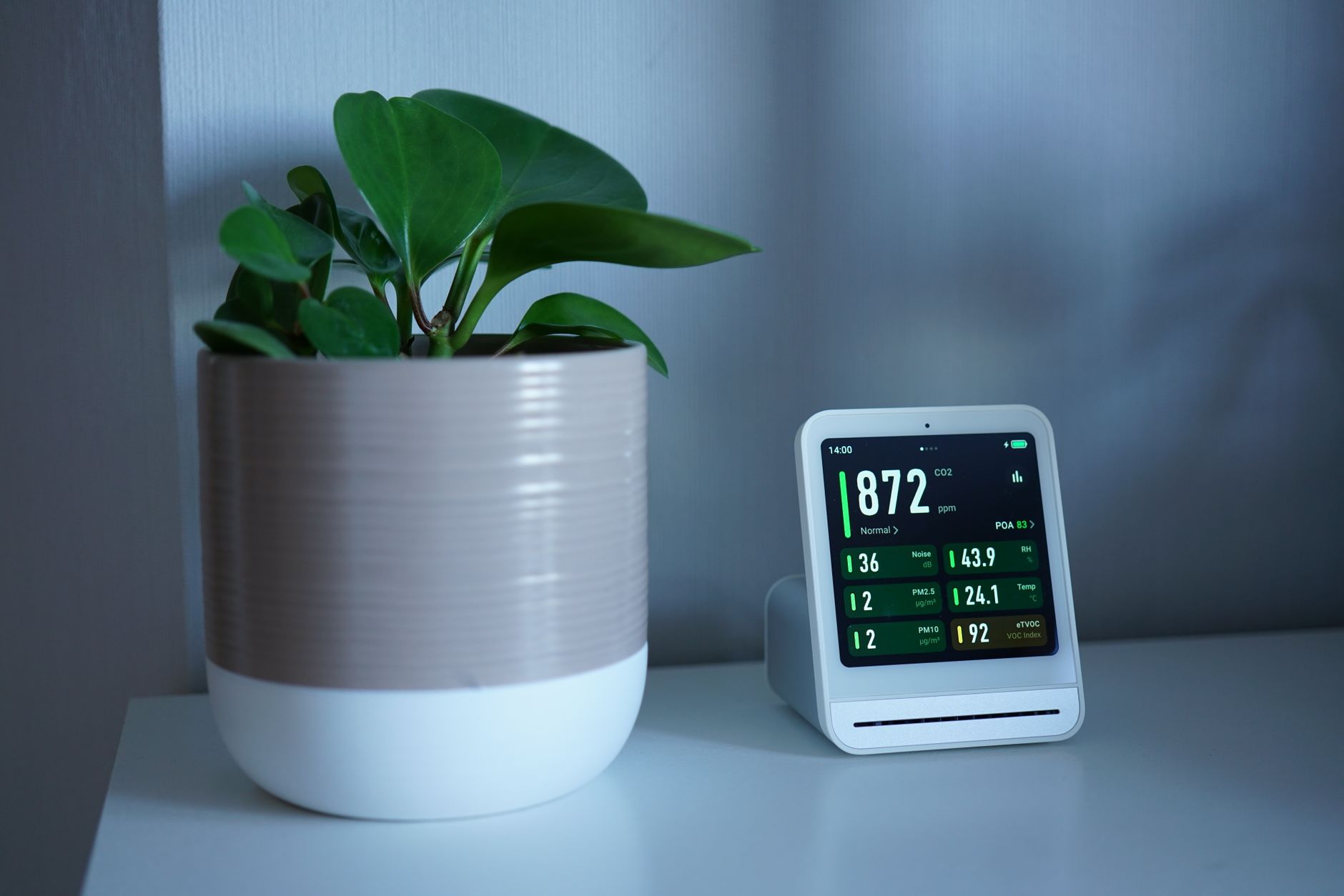
Smart Thermostat with Zoning Capability: Your command center needs to support multiple zones natively. Top picks this year include the Ecobee Smart Thermostat Premium (supports up to 32 sensors), the Honeywell Home T10 Pro with RedLINK 3.0, and the Google Nest Learning Thermostat (4th gen) with its new Temperature Sensor 2.0. Budget-conscious homeowners should consider the Amazon Smart Thermostat paired with their new Smart Air Quality Monitor—at under $150 total, it’s the most affordable entry point.
Zone Dampers: These motorized valves install inside your ductwork to control airflow. For retrofits, look for wireless options like the Ecojay SmartZone or the new Keen Home Smart Vent (now Matter-certified). If you’re building new or replacing ducts, hardwired dampers from Honeywell or Aprilaire offer bulletproof reliability.
Remote Sensors: The secret sauce of effective zoning. Place these in each zone to provide accurate temperature, humidity, and occupancy data. The latest sensors from Ecobee and Nest now include radar-based occupancy detection that works through walls—no more “ghost” readings from empty rooms.
Smart Hub: While Matter 2.0 reduces hub dependency, complex zoning setups benefit from a dedicated controller. The Hubitat Elevation C-8 Pro excels at local processing, while Home Assistant users should consider the new Home Assistant Green with its built-in Zigbee 3.0 and Thread radios.
Step-by-Step Smart Thermostat Zoning Setup Guide
Now for the hands-on work. This process typically takes a weekend for DIYers, though complex multi-zone systems might warrant professional help for duct modifications.
Step 1: Map Your Zones
Walk through your home and identify natural climate zones. Most homes benefit from 2-4 zones: bedrooms vs. living areas, upstairs vs. downstairs, or frequently used vs. guest spaces. Pro tip: Use a thermal camera attachment for your smartphone (like the FLIR ONE Gen 3, now under $200) to identify problem areas invisible to the naked eye.
Step 2: Install Zone Dampers
Access your ductwork—usually in the basement, attic, or crawlspace. Install dampers in the supply ducts feeding each zone. For rectangular ducts, use blade-style dampers; for round ducts, choose butterfly dampers. Ensure dampers are at least 3 feet from the air handler to prevent noise issues. Label each damper’s wiring clearly; you’ll thank yourself during configuration.
Step 3: Mount Your Smart Thermostat
Replace your existing thermostat with the zoning controller. If you’re using a multi-stage system (common with heat pumps), verify your thermostat supports your equipment type. The 2026 models universally support 2H/2C (two-stage heating, two-stage cooling) at minimum, with premium units handling 4H/2C for complex heat pump systems.
Step 4: Deploy Remote Sensors
Place sensors 3-5 feet off the ground in each zone, away from direct sunlight, drafts, and heat sources like TVs or lamps. For two-story homes, install at least one sensor per floor. The latest sensors from Ecobee include “Follow Me” technology that weights readings based on occupancy—crucial for accurate zoning.
Step 5: Configure Your System
This is where 2026’s AI shines. Modern thermostats guide you through zone assignment via their apps. You’ll name each zone, assign sensors, and set baseline schedules. Enable “Smart Recovery” features that learn how long your home takes to reach target temperatures—this prevents the system from overshooting and wasting energy.
Step 6: Balance Airflow
Even with dampers, you may need manual balancing. Use an anemometer (the $40 UNI-T UT363BT works great) to measure airflow at each register. Aim for 400 CFM per ton of HVAC capacity. Adjust damper positions until you achieve balanced flow across zones.
Advanced Optimization Strategies
Once basic zoning works, these pro techniques maximize efficiency and comfort.
Leverage Geofencing: All major 2026 thermostats support multi-user geofencing. Set your system to “Away” mode only when all family members leave, and “Home” mode when the first person returns. This prevents the system from heating an empty house because your teenager forgot to mention they’re staying late at practice.
Integrate with Smart Vents: For rooms that need occasional conditioning (like a guest room), smart vents from Keen Home or Flair provide room-level control without expensive duct modifications. They communicate directly with your thermostat to open only when that room needs conditioning.
Time-of-Use Optimization: If your utility offers time-of-use rates (increasingly common in 2026), program your system to pre-condition zones during off-peak hours. The Ecobee Premium’s new “Eco+ Time of Use” feature can shift up to 70% of HVAC runtime to cheaper periods.
Humidity-Based Control: In humid climates, set your system to prioritize dehumidification in specific zones. The Honeywell T10 Pro’s “Dehumidification Priority” mode runs the blower at reduced speed for better moisture removal without overcooling.
Common Pitfalls and Troubleshooting
Even experienced DIYers encounter these issues. Here’s how to solve them fast.
Short Cycling: If your system turns on and off frequently, your zones are likely too small. Most HVAC systems need a minimum of 30% of total airflow available at all times. Install a bypass damper or increase the size of your smallest zone.
Pressure Imbalances: Whistling vents or doors that slam shut indicate pressure problems. Ensure at least one zone remains fully open, or install a barometric bypass damper that opens automatically when pressure builds.
Connectivity Dropouts: If sensors lose connection, add a Matter-compatible repeater like the Aqara M3 Hub. Its Thread radio extends mesh network range significantly better than WiFi-only solutions.
Uneven Temperatures: If some zones never reach setpoint, check for duct leaks. The 2026 Aeroseal SmartSeal system can be DIY-applied to seal leaks from inside ducts—far easier than traditional mastic application.
Conclusion: Your Path to Perfect Comfort
This smart thermostat zoning setup guide has walked you through transforming your single-zone HVAC into a precision climate control system. By implementing zoning now, you’re not just solving today’s comfort problems—you’re future-proofing your home for the increasingly dynamic energy landscape of 2026 and beyond.
Start small if needed. Even a basic two-zone setup with a single smart thermostat and a few sensors delivers immediate benefits. As you experience the comfort and savings, you can expand with additional zones, smart vents, and advanced automation.
The technology has never been more accessible, the energy savings never more compelling, and the installation process never more DIY-friendly. Your perfectly comfortable, efficiently heated and cooled home is just a weekend project away.
Like what you're reading?
Check out our recommended partner for this niche.
Custom Automation Dev — HamDevCo →